
In today’s fast-paced business environment, workforce tracking has become essential for organizations aiming to streamline operations and boost productivity. With dispersed teams, hybrid workplaces, and increasing demand for accountability, having the right tools in place can transform how managers understand and optimize their workforce.
One of the most effective ways to strengthen visibility and coordination is by using a tracking app for employees. These apps allow managers to see who is working, when they started, where tasks stand, and how long specific activities take, without disrupting employees’ workflow and workforce tracking. This real-time view helps reduce administrative overhead and ensures accurate reporting.
Key Features of Real-Time Workforce Tracking Tools
1. Live Workforce Tracking Dashboard
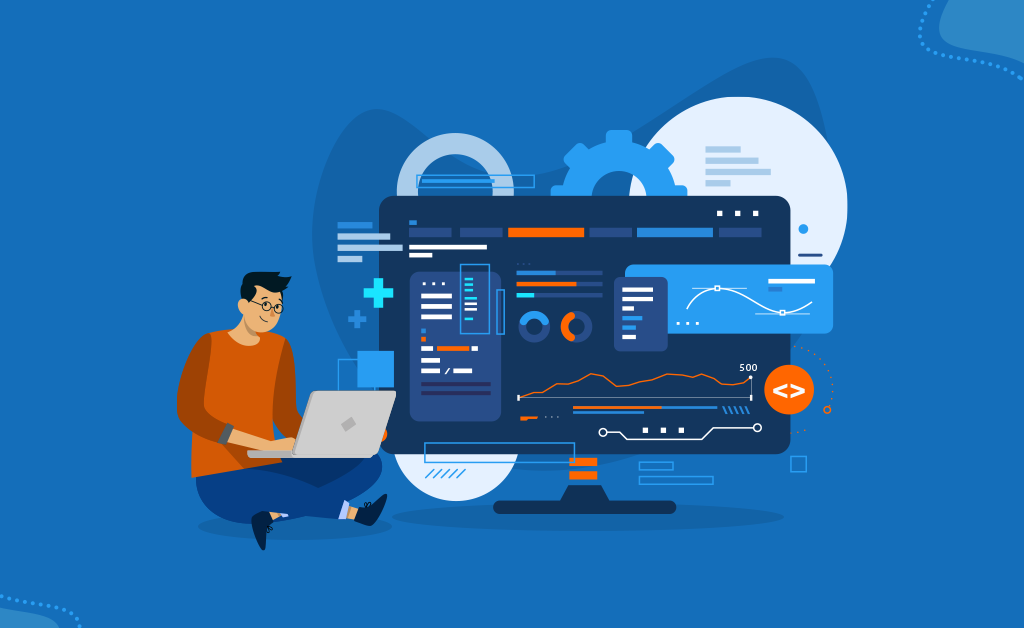
A centralized dashboard provides real-time visibility into employee activity, shift status, and task progress, helping managers make faster, informed decisions.
2. Tracking App for Employees
Mobile-friendly apps allow employees to clock in/out, update task statuses, and report their location when necessary. This enables seamless workforce tracking even for remote or field teams.
3. Work Time Tracking Software Automation
Automated time logging removes the need for manual timesheets. The system tracks hours worked on tasks, projects, or shifts with precision, improving accuracy and payroll integration.
4. Employee Monitoring Productivity Software
Advanced analytics reveal productivity trends, app usage, idle time, and workload distribution. This helps managers identify inefficiencies and support employee performance improvement.
5. GPS & Geofencing for Field Visibility
GPS tracking and geofenced zones ensure employees are at assigned locations during working hours. This is especially valuable for construction, logistics, and service teams.
6. Smart Alerts & Notifications
Instant alerts for missed clock-ins, extended breaks, overtime, or task delays ensure managers stay in control and can intervene quickly.
7. Seamless Payroll & HR Integration
Syncs tracking data with payroll systems, reducing errors and ensuring employees are compensated accurately for recorded hours.
8. Cloud-Based Accessibility
Managers can access data from anywhere, ensuring continuous oversight and efficient tracking of working hours across teams and locations.
9. Customizable Reports & Analytics
Generate detailed reports on attendance, productivity, project hours, and labor costs—helping businesses gain actionable insights.
10. Data Security & Privacy Controls
Role-based access, encrypted data storage, and audit trails ensure employee information remains secure while maintaining compliance with labor regulations.
Core Components of a Real-Time Workforce Tracking System
1. Employee Time-Tracking Module
This component records attendance, shift start/end times, breaks, and overtime. It forms the foundation of work time tracking software, ensuring accurate and automated time capture.
2. Mobile Tracking App for Employees
A dedicated tracking app for employees allows staff to clock in/out, update tasks, and share location (when required). It supports remote, hybrid, and field teams, enabling seamless workforce tracking from anywhere.
3. GPS & Location Services
Integrated GPS and geofencing ensure accurate location verification for field workers. This improves transparency and accountability while supporting safety and compliance requirements.
4. Task & Project Management
Managers can assign tasks, track progress, and monitor deadlines. Real-time updates help identify bottlenecks and maintain workflow efficiency.
5. Productivity Monitoring Tools
This is where employee monitoring productivity software plays a vital role. It tracks app usage, active/idle time, and task engagement to provide actionable insights into performance.
6. Analytics & Reporting Engine
Custom dashboards and reports visualize attendance patterns, productivity trends, labor costs, and project hours—helping managers make data-driven decisions.
7. Scheduling & Shift Planning
Automated scheduling minimizes conflicts and prevents understaffing. Employees receive alerts and can request changes or swaps, improving communication and flexibility.
8. Payroll & HR Integration Layer
Time and productivity data flow into payroll, HRM, and ERP systems. This reduces manual errors and ensures employees are paid accurately for tracking working hours.
9. Alerts & Notification System
Instant alerts for missed clock-ins, overtime, location deviations, or task delays keep managers informed and responsive.
10. Security & Compliance Framework
Encryption, role-based access control, and compliance tools ensure the system respects privacy regulations while keeping sensitive data safe.
Conclusion
Real-time workforce tracking has become a transformative tool for modern organizations striving for greater efficiency, transparency, and accountability. By combining workforce tracking, a powerful tracking app for employees, advanced work time tracking software, and intelligent employee monitoring productivity software, businesses gain complete visibility into daily operations. These integrated tools simplify tracking working hours, improve productivity, and ensure teams stay aligned—whether on-site, remote, or in the field.